

A complicated checkout experience can turn interested shoppers into lost customers. After investing time and money to attract visitors, ecommerce businesses need to make sure customers can complete their purchases without unnecessary friction. Slow pages, lengthy forms, unexpected costs, limited payment methods, and confusing navigation can all prevent conversions.
Checkout optimization focuses on making the purchasing process faster, simpler, clearer, and more trustworthy. By improving checkout design and using data-driven optimization, funnel analysis, and website analytics, online stores can identify customer problems and create a smoother path from cart to completed order.
What Is Checkout Optimization?
Checkout optimization is the process of improving the ecommerce checkout experience to increase the number of customers who successfully complete their purchases. It involves reviewing every stage of checkout and removing unnecessary barriers that may cause shoppers to hesitate or abandon their carts.
A strong optimization strategy can include simplifying forms, improving mobile usability, offering preferred payment options, displaying costs clearly, strengthening trust signals, and fixing technical issues. The objective is not simply to make the checkout page look attractive. It is to make the entire purchasing journey intuitive, efficient, and reliable for different types of shoppers.
Simplify the Checkout Process
Customers who reach checkout have already shown strong purchase intent. Making them complete unnecessary steps can create friction at the most important stage of the buying journey. Businesses should review every checkout step and remove actions that do not contribute directly to completing the order.
A simplified process should have a logical sequence covering customer information, shipping, payment, order review, and confirmation. Customers should always understand what information is required and what happens next. Avoid unnecessary navigation, repeated questions, and complicated instructions. A shorter and more predictable checkout can reduce cognitive effort and help shoppers complete purchases with greater confidence.
Reduce the Number of Checkout Form Fields
Long checkout forms can discourage customers, particularly on mobile devices. Asking for unnecessary information increases the time required to complete an order and creates more opportunities for errors. Businesses should request only information needed for payment, delivery, customer service, legal requirements, or order fulfillment.
Forms should use clear labels, logical field ordering, helpful validation, and mobile-friendly input types. Address autocomplete can reduce manual typing, while automatic formatting can prevent common mistakes. Optional fields should be clearly identified instead of appearing mandatory. Reducing form friction is an important part of checkout optimization because customers can complete transactions more quickly without navigating through unnecessary information requests.
Why Checkout Optimization Matters for Online Stores
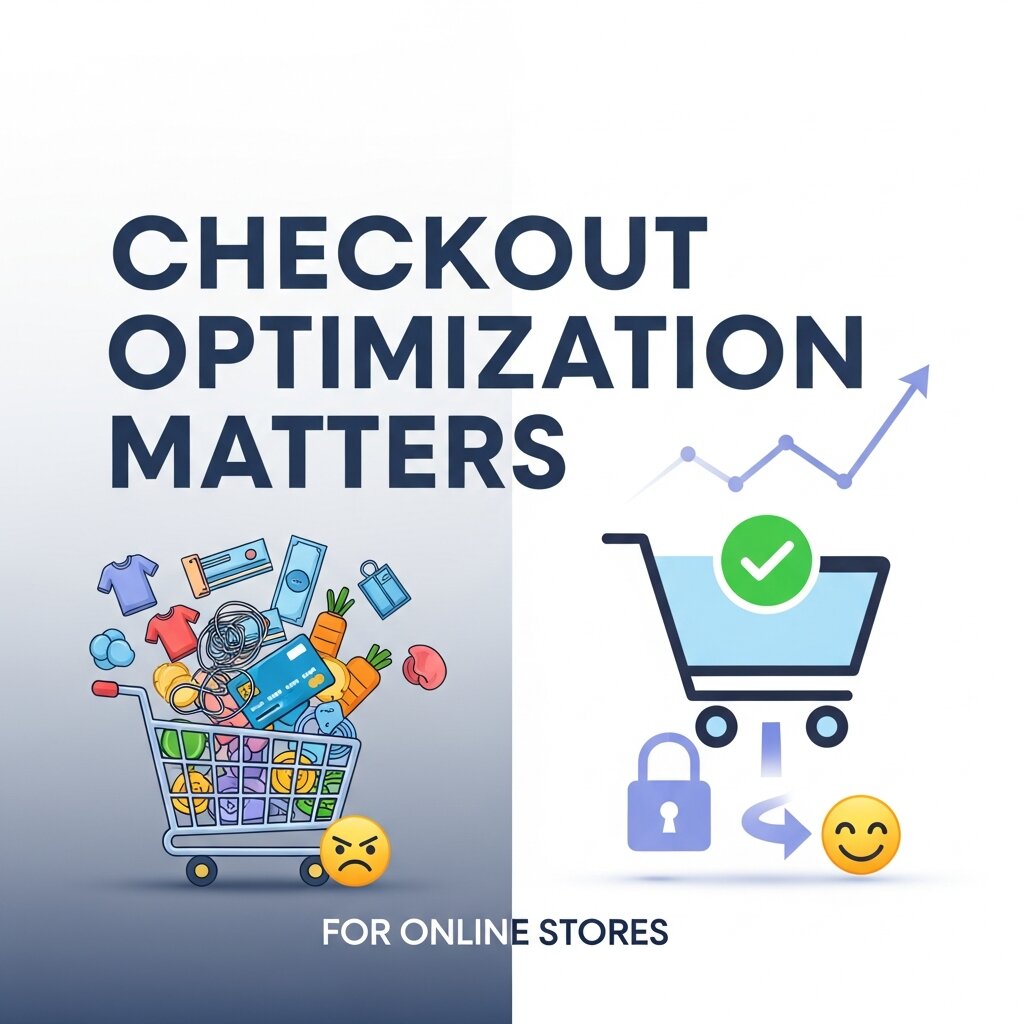 Generating ecommerce traffic requires investment in SEO, advertising, social media, content, email campaigns, and other marketing activities. However, attracting visitors does not guarantee revenue. If customers abandon their purchases during checkout, businesses lose potential sales despite successfully bringing shoppers to the website.
Improving checkout performance helps businesses gain more value from existing traffic. A smoother purchasing experience can also strengthen customer satisfaction and encourage repeat purchases. When shoppers can understand prices, shipping details, payment choices, and order information without confusion, they are more likely to trust the store. Checkout improvements can therefore support both immediate conversions and long-term ecommerce growth.
Reduce Cart Abandonment
Cart abandonment happens when shoppers add products to their carts but leave without completing the purchase. While some abandonment is natural, unnecessary friction can increase the number of customers who fail to convert. Complicated checkout steps, unexpected fees, account requirements, and payment difficulties can all contribute to this problem.
Businesses should use customer behavior data to identify where abandonment occurs and investigate the underlying causes. Clear pricing, simple forms, guest checkout, convenient payment options, and transparent shipping information can remove several common barriers. Rather than trying to eliminate every abandoned cart, businesses should focus on reducing abandonment caused by problems they can control through effective checkout optimization.
Improve Conversion Opportunities
Checkout optimization should focus on increasing completed purchases without creating pressure or confusion for customers. Small improvements to the checkout journey can make it easier for shoppers who are already ready to buy. Clear product information, visible order totals, simple forms, and accessible payment options all contribute to a more efficient transaction.
Businesses should also consider the different types of customers reaching checkout. New customers may need stronger trust signals, while returning customers may benefit from saved information and faster payment options. Understanding these differences allows businesses to create a more relevant checkout experience. Improving the final conversion stage can help stores generate more revenue from the same volume of qualified visitors.
Mobile Checkout Optimization
Mobile shoppers often interact with ecommerce websites differently from desktop users. Smaller screens, touch navigation, mobile networks, and on-screen keyboards can make poorly designed checkout forms frustrating. If customers encounter difficult fields or slow-loading pages, they may abandon their purchases even when they have strong buying intent.
Mobile checkout should therefore receive dedicated attention rather than being treated as a smaller version of the desktop experience. Responsive layouts, large touch-friendly buttons, concise forms, mobile wallets, and fast page loading can significantly improve usability. Businesses should regularly test the checkout process on different smartphones and screen sizes to identify problems that may not appear during desktop testing.
Create a Mobile-Friendly Checkout
A mobile-friendly checkout should allow customers to complete purchases comfortably without excessive zooming, scrolling, or repeated adjustments. Form fields should be appropriately sized, buttons should be easy to tap, and important information should remain visible without creating unnecessary clutter.
Mobile forms should also use suitable keyboard types for different inputs. For example, numerical keyboards can simplify phone numbers or payment details. Address autocomplete can further reduce typing. Payment methods such as digital wallets can also make mobile purchases faster. These improvements reduce physical and cognitive effort, making the checkout experience more convenient for smartphone shoppers.
Improve Mobile Page Speed
Mobile shoppers may experience slower network connections than desktop users, making checkout speed particularly important. Heavy images, unnecessary scripts, third-party applications, and poorly optimized payment components can increase loading times and create delays when customers are trying to complete an order.
Businesses should regularly test checkout performance across different mobile devices and network conditions. Unnecessary resources should be removed or optimized, while essential checkout functionality should receive priority. Faster loading also reduces uncertainty when customers click payment or continue buttons. Improving performance is therefore both a technical task and an important part of the overall checkout optimization process.
Payment and Shipping Optimization
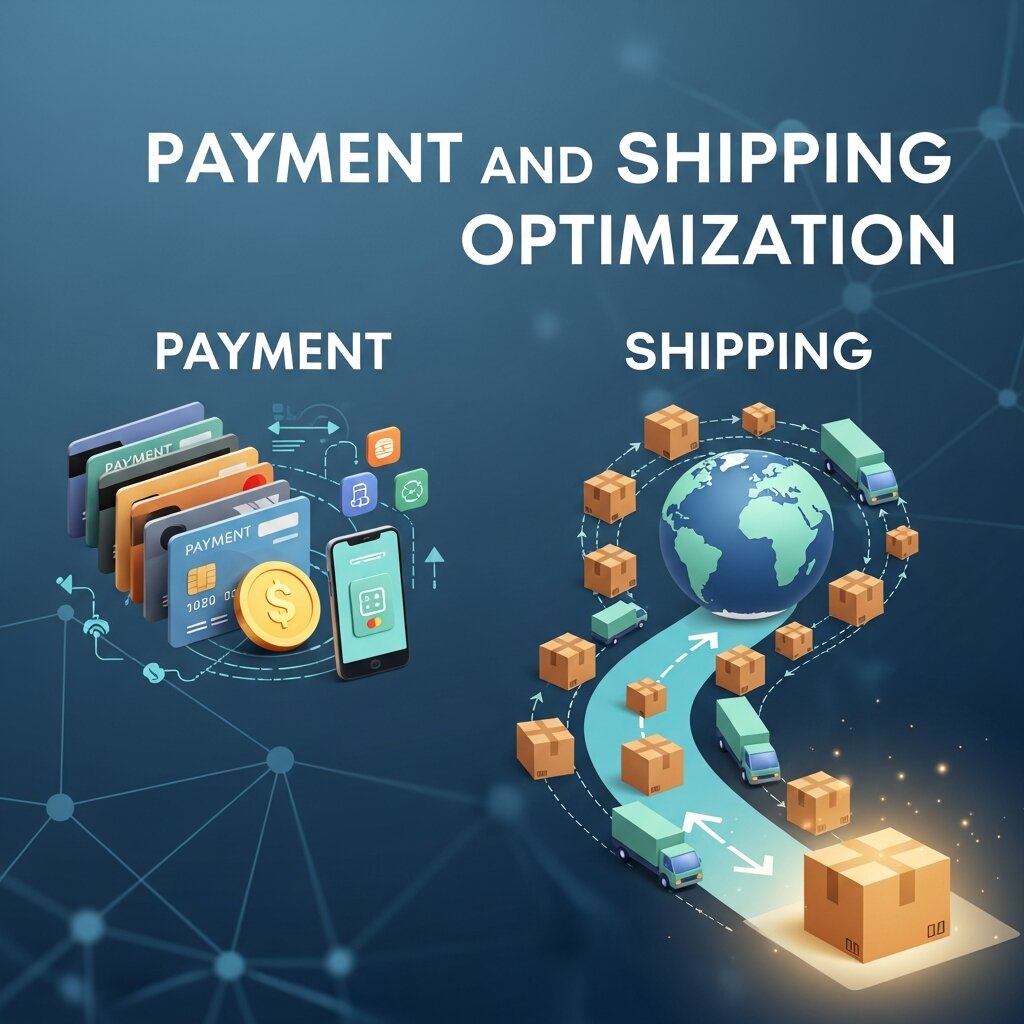 Payment and shipping are two critical areas where customers may hesitate before completing an order. Shoppers want convenient payment methods, predictable delivery options, and a clear understanding of the final price. If either area creates uncertainty, customers may reconsider their purchase.
Businesses should evaluate payment and shipping based on their target audience, products, location, and order values. Providing relevant options without overwhelming the customer can make checkout easier. Clear communication is equally important. Customers should understand delivery costs, estimated arrival times, payment choices, and the final amount before submitting their order.
Offer Multiple Payment Options
Different customers prefer different payment methods, and the available options can vary significantly between markets. Some shoppers prefer cards, while others may choose digital wallets, bank payments, or alternative payment services. If a preferred option is unavailable, a customer may leave the checkout and look for another store.
Businesses should identify the payment methods most commonly used by their target customers and make those options easy to find. Payment choices should be clearly labeled and organized without overwhelming the checkout page. Mobile wallets can be especially useful for smartphone users because they reduce manual entry. Convenient payment flexibility can remove an important barrier and improve checkout completion.
Display Total Costs Clearly
Unexpected costs are a major source of hesitation during online purchases. Customers may be attracted by a product price but reconsider when additional shipping fees, taxes, or service charges appear at the final stage. Showing these costs earlier creates greater transparency and helps shoppers make informed decisions.
The checkout should clearly display product prices, discounts, shipping charges, taxes, and the final order total. If certain costs depend on location or delivery selection, provide an estimate or explanation as early as possible. Customers should never feel that important charges were hidden until the final step. Transparent pricing supports trust and reduces avoidable checkout abandonment.
Show Shipping Information Early
Shipping details can influence purchase decisions just as strongly as product price. Customers want to know how much delivery will cost and when their order will arrive. If this information appears too late, shoppers may feel frustrated after already spending time entering their information.
Display available shipping methods, estimated delivery dates, and applicable costs clearly. If free shipping applies above a particular order value, communicate the condition before checkout whenever possible. Clear shipping information reduces uncertainty and helps customers select an option that meets their expectations. It also prevents avoidable surprises that could otherwise interrupt the purchasing process.
Data-Driven Checkout Optimization
Effective checkout improvements should be based on evidence rather than assumptions. Businesses need to understand how customers actually interact with their checkout pages and identify the stages where friction occurs. This is where analytics and structured testing become valuable.
Data-driven optimization allows ecommerce businesses to identify measurable problems, develop improvement ideas, and evaluate whether those changes actually produce better results. Instead of redesigning checkout based solely on personal opinions, businesses can use behavioral data, conversion metrics, and testing results to make more informed decisions.
Use Funnel Analysis
Funnel analysis helps businesses understand how shoppers move through different stages of the purchasing journey. A typical ecommerce funnel may include product viewing, adding an item to the cart, starting checkout, entering shipping information, selecting payment, and completing the order.
Examining each stage can reveal where the largest drop-offs occur. For example, if many shoppers reach checkout but leave after seeing shipping costs, the business may need to investigate delivery pricing or communication. If customers disappear during payment, payment usability or technical reliability could be responsible. Funnel analysis provides a structured way to identify specific checkout problems.
Monitor Website Analytics
Website analytics provides information about how visitors interact with checkout pages. Businesses can monitor checkout starts, completed orders, abandonment rates, device categories, traffic sources, page performance, and other useful metrics. These insights can reveal patterns that are difficult to identify through manual observation.
Segmentation makes analytics even more useful. Comparing mobile and desktop users or new and returning customers can highlight differences in checkout performance. If mobile users have a significantly lower completion rate, businesses can investigate mobile usability and speed. Regular analytics monitoring helps stores identify new problems and measure whether optimization efforts are delivering meaningful improvements.
Apply Data-Driven Optimization
Data-driven optimization involves using measurable evidence to guide checkout decisions. Businesses can identify a problem, develop a hypothesis, make a controlled change, and then measure the result. This process reduces reliance on assumptions and creates a repeatable method for improving ecommerce performance.
For example, if analytics shows that customers frequently leave when completing a long form, the business could test a shorter version. If the shorter form produces a higher completion rate without creating fulfillment problems, the change may be implemented permanently. Repeating this process allows businesses to make gradual improvements while continuously learning from customer behavior.
Checkout UX and Trust Optimization
User experience and trust are closely connected during checkout. Customers are sharing personal information and making financial transactions, so the page needs to feel professional, secure, and predictable. Poor design, unclear information, or unexpected behavior can make shoppers question whether they should continue.
A trustworthy checkout should communicate important information without overwhelming customers. Clear branding, secure payment indicators, understandable policies, accessible customer support, and a clean layout can reinforce confidence. The goal is to create an environment where customers feel comfortable completing their transactions.
Build Trust at the Checkout Stage
Customers need reassurance that their personal and payment information is being handled responsibly. Trust signals can include recognizable payment providers, security indicators, privacy information, return policies, and accessible customer support details. These elements can reduce uncertainty when used appropriately.
However, too many badges or security messages can make the checkout page look cluttered. Trust should be communicated through both design and information. Consistent branding, clear policies, accurate pricing, and professional presentation can all contribute to credibility. When customers understand what will happen to their order and information, they can approach payment with greater confidence.
Use Clear Calls to Action
The primary checkout action should be easy to identify. Customers should understand whether a button will continue to shipping, proceed to payment, or place the final order. Vague labels can create hesitation, particularly when customers are about to submit payment.
Use clear and descriptive action labels that match the stage of checkout. The primary button should also stand apart from secondary links and actions. Avoid unnecessary competing calls to action around the final purchase area. A focused interface helps customers understand the next step and supports a smoother purchasing experience.
Improve Error Handling
Checkout errors can quickly interrupt a purchase. Customers may enter incorrect information, experience payment failures, or encounter technical problems. If an error message is vague, shoppers may not know what needs to be fixed and could abandon the transaction.
Error messages should explain the issue clearly and appear near the relevant field or action. Previously entered information should remain available whenever possible so customers do not have to start again. Businesses should also monitor recurring errors through website analytics and technical reports. Identifying repeated checkout problems can reveal technical or usability issues that require immediate attention.
Testing and Continuous Optimization
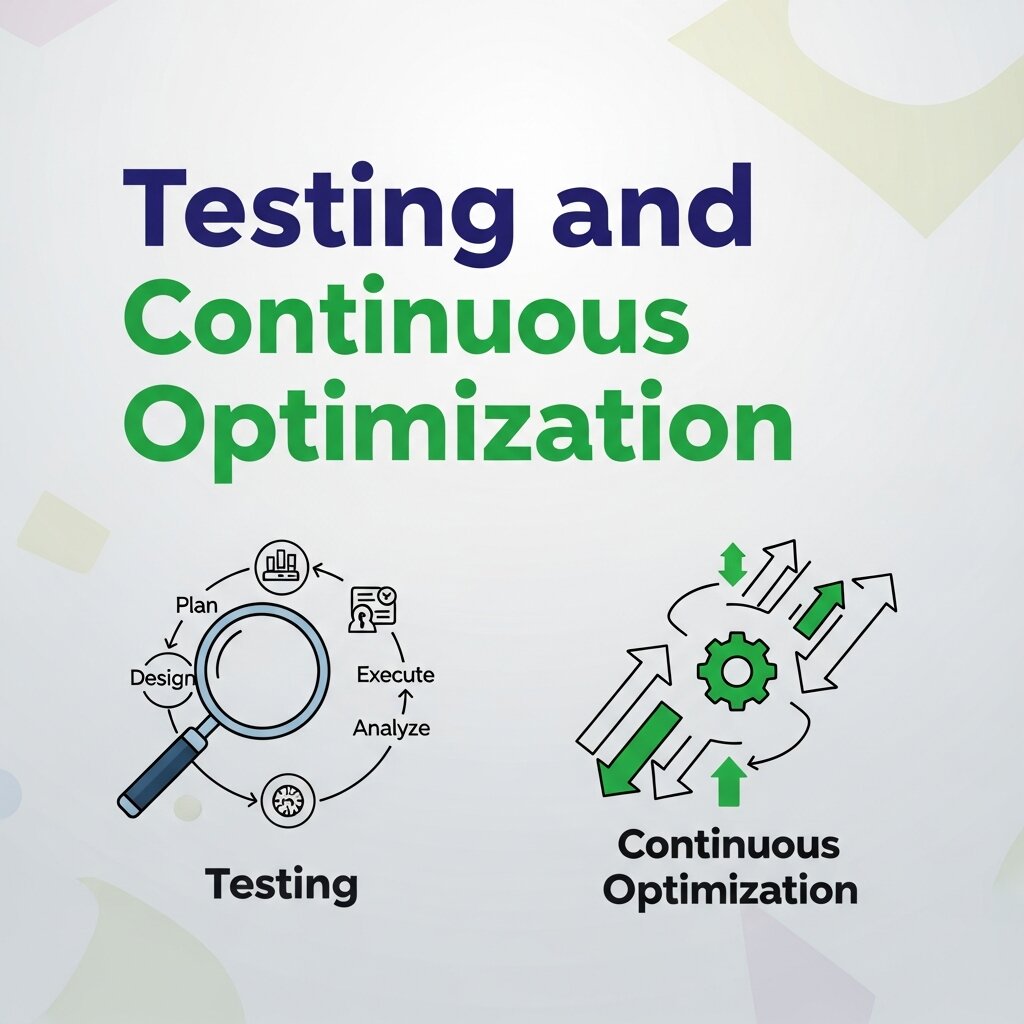 Checkout performance can change as customer behavior, technology, devices, payment methods, and expectations evolve. This means businesses should treat optimization as an ongoing process rather than a one-time redesign. Regular testing and monitoring can help stores maintain a strong purchasing experience.
A continuous approach involves identifying problems, analyzing data, creating hypotheses, testing changes, and measuring outcomes. Businesses can prioritize improvements based on their potential impact and the evidence supporting them. This process helps ensure that checkout development remains focused on customer needs and measurable business results.
Run A/B Tests
A/B testing allows businesses to compare different versions of checkout elements and determine which performs better. Possible test areas include form length, button wording, payment presentation, guest checkout messaging, shipping information, and trust elements.
Each test should have a clear hypothesis and measurable objective. Avoid making too many unrelated changes at once because it becomes difficult to determine what caused the result. Tests should also run long enough to collect meaningful data. A structured A/B testing process helps businesses make decisions based on actual customer responses instead of design preferences.
Reduce Checkout Distractions
Customers should be able to focus on completing their purchases without unnecessary interruptions. Large promotional banners, pop-ups, unrelated recommendations, excessive navigation, and external links can distract shoppers at the final stage of the buying journey.
The checkout should maintain a clear visual hierarchy. Essential information such as order details, customer support, return policies, and payment information can remain available, while unnecessary distractions should be removed. A focused checkout reduces cognitive load and makes the next action easier to identify. This can create a cleaner experience for customers who are already close to completing their purchases.
Optimize for Returning Customers
Returning customers can benefit from a faster checkout experience because they may already trust the store and understand its products. Securely saved addresses, preferences, and other permitted information can reduce repetitive data entry and make repeat purchases more convenient.
Businesses should balance convenience with security and privacy. Customers should have control over their saved information, while sensitive payment details should be handled through secure payment systems. A streamlined repeat-purchase experience can improve customer satisfaction and encourage loyal shoppers to return. Optimizing checkout for both new and returning customers creates a more flexible experience across different stages of the customer relationship.
Frequently Asked Questions
1. What is checkout optimization?
Checkout optimization is the process of improving an ecommerce checkout experience to make purchasing faster, easier, clearer, and more convenient while reducing friction that can cause customers to abandon their carts.
2. Why is checkout optimization important for ecommerce stores?
Checkout optimization helps reduce unnecessary barriers during the final purchasing stage. A simpler checkout can improve customer experience, increase completed purchases, reduce cart abandonment, and help businesses generate more revenue from existing website traffic.
3. How can checkout optimization reduce cart abandonment?
Businesses can reduce cart abandonment by simplifying checkout forms, offering guest checkout, displaying total costs clearly, providing multiple payment options, improving mobile usability, and communicating shipping information before customers reach the final payment step.
4. How many fields should an ecommerce checkout form have?
There is no universal number of ideal checkout fields. Businesses should request only information necessary for payment, shipping, fulfillment, customer service, or legal requirements. Removing unnecessary fields can make checkout faster and easier.
5. Is guest checkout important for online stores?
Yes. Guest checkout allows customers to complete purchases without creating an account. This can reduce friction, particularly for first-time shoppers who may not want to provide additional information or create login credentials before completing their purchase.
6. How does mobile optimization improve checkout conversions?
Mobile optimization makes checkout easier to use on smartphones by improving form layouts, button sizes, page speed, navigation, and payment options. A mobile-friendly experience can reduce frustration and help more smartphone shoppers complete their purchases.
7. How does funnel analysis help with checkout optimization?
Funnel analysis shows where customers drop out during the purchasing journey. Businesses can identify whether shoppers leave during shipping, payment, form completion, or another stage and then investigate the specific issues causing those drop-offs.
8. How can website analytics improve checkout performance?
Website analytics provides information about checkout starts, completed purchases, abandonment rates, devices, traffic sources, and user behavior. Businesses can use these insights to identify problems, compare customer segments, and measure the effectiveness of optimization efforts.
9. What is data-driven optimization in ecommerce?
Data-driven optimization uses customer behavior, analytics, conversion metrics, and testing results to guide checkout improvements. Instead of relying on assumptions, businesses can identify problems, test solutions, and make decisions based on measurable results.
10. What are the best checkout optimization techniques?
Some effective techniques include simplifying checkout forms, offering guest checkout, improving mobile usability, increasing page speed, providing preferred payment methods, showing transparent costs, displaying shipping information early, strengthening trust signals, and continuously testing the checkout experience.
Final Thoughts
Advanced checkout optimization is about removing unnecessary friction between customer intent and completed purchase. Simplifying forms, offering guest checkout, improving mobile usability, providing convenient payment options, displaying transparent costs, and strengthening trust can make the buying process easier and more reliable.
The most effective strategies combine user experience improvements with funnel analysis, website analytics, and data-driven optimization. By continuously measuring checkout performance, identifying friction points, testing improvements, and responding to customer behavior, online stores can create a smoother purchasing journey. A well-optimized checkout not only supports higher conversions but also helps build customer confidence and create a stronger foundation for long-term ecommerce growth