
Most SEO conversations start and end with keywords, backlinks, and technical audits. But there’s a quieter force shaping your search rankings—one that’s often hiding in plain sight. Website usability determines how effortlessly visitors can navigate, interact with, and get value from your site. Get it right, and search engines reward you. Get it wrong, and even the strongest keyword strategy won’t save you.
The relationship between website usability and SEO has grown significantly tighter over the past few years. Google’s 2021 Page Experience update made it official: user experience metrics now directly influence search rankings. That means slow load times, confusing navigation, and cluttered layouts don’t just frustrate visitors—they actively suppress your visibility in search results.
This post breaks down what website usability really means, why it matters for both SEO and customer experience, and how data-driven optimization can help you build a site that works harder for your business. Whether you’re running an e-commerce store, a SaaS platform, or a content-driven blog, these principles apply.
What Is Website Usability, and Why Does It Matter for SEO?
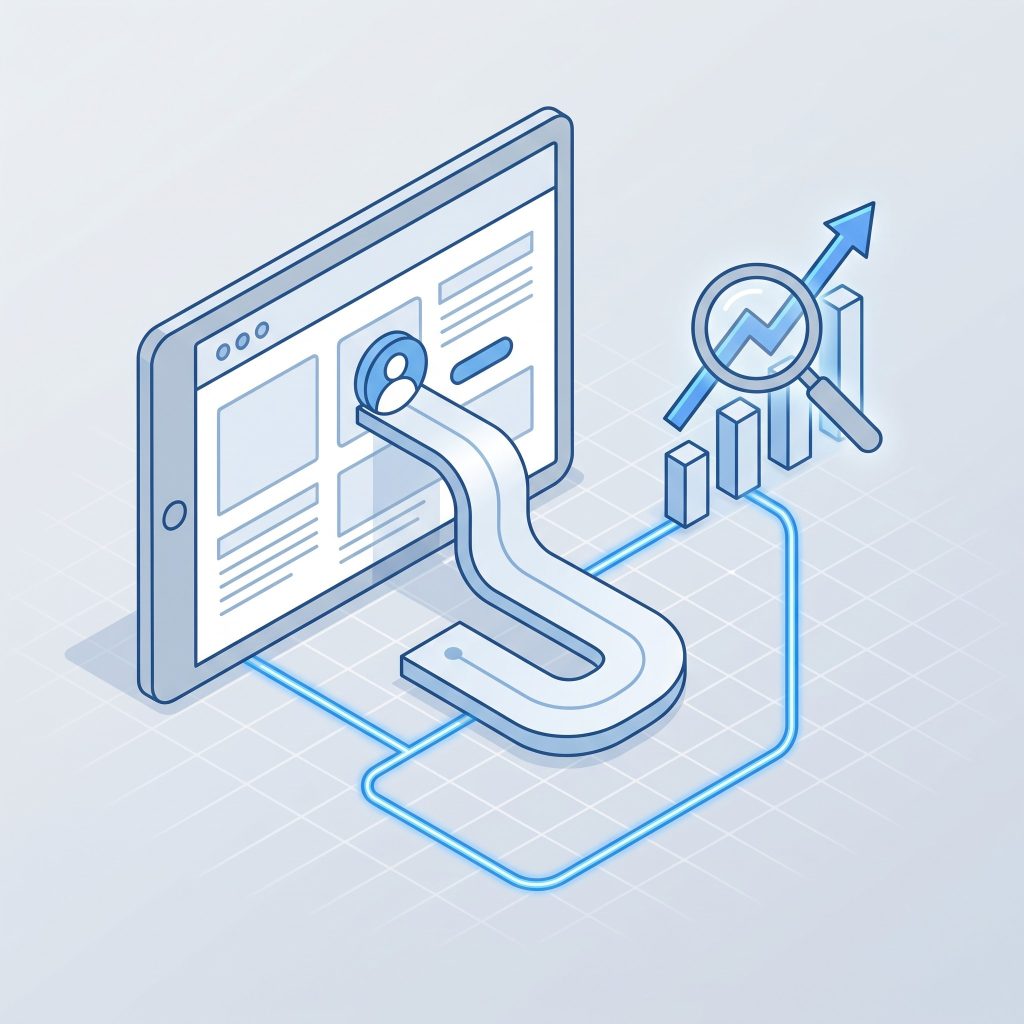 Website usability refers to how easy and intuitive it is for users to accomplish their goals on your site—finding information, completing a purchase, submitting a form, or simply reading an article without friction. It encompasses everything from page speed and mobile responsiveness to content clarity and navigation structure.
From an SEO standpoint, usability matters because search engines have become increasingly sophisticated at measuring user behavior. Metrics like dwell time (how long someone stays on your page), bounce rate (how quickly they leave), and pages per session all feed into how Google evaluates the quality of your site. A visitor who lands on your page, immediately hits the back button, and clicks the next search result is sending a clear signal: this page didn’t deliver.
Google’s Core Web Vitals—a set of performance metrics measuring loading speed, interactivity, and visual stability—are a direct acknowledgment that usability and SEO are inseparable. Sites that score poorly on these metrics face ranking disadvantages, regardless of how well-optimized their content may be.
How Poor Website Usability Hurts Your Rankings
A technically sound site can still underperform in search if the user experience falls short. Here’s how poor usability creates SEO problems:
High bounce rates signal low relevance: When users land on your page and leave without engaging, search engines interpret this as a relevance mismatch—either your content didn’t match the search intent, or the experience was too frustrating to stick around for.
Slow page speeds kill conversions: According to Google, the probability of a user bouncing increases by 32% when page load time goes from one second to three seconds. Every extra second costs you both visitors and rankings.
Poor mobile experience limits your reach: Google now uses mobile-first indexing, meaning the mobile version of your site is the primary version it crawls and ranks. A desktop-only optimization strategy is no longer sufficient.
Confusing navigation reduces crawlability: Search engines follow links to discover and index your content. If your site structure is disorganized or key pages are buried too many clicks deep, they may not get indexed at all.
Key Principles of Website Usability That Drive Results
Improving website usability doesn’t require a full redesign. In many cases, targeted, strategic changes deliver the biggest impact. Here are the core principles to prioritize:
Clear and Consistent Navigation
Your navigation is the backbone of your site’s usability. Users should be able to find what they’re looking for within a few clicks, without needing to think too hard about where to go. This means using familiar menu structures, logical content grouping, and clear labels that match how your audience actually thinks about your content—not how your internal team categorizes it.
Breadcrumbs are a small but powerful addition. They help users understand where they are within your site hierarchy and give search engines additional context about your page relationships.
Page Speed and Core Web Vitals
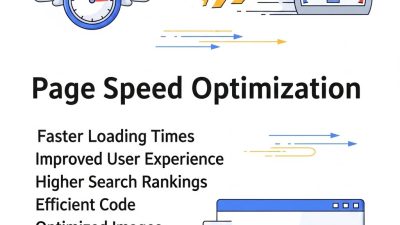
Speed is non-negotiable. Compress images before uploading them, use a content delivery network (CDN) to serve files faster across geographies, and minimize the use of render-blocking JavaScript. Tools like Google PageSpeed Insights and GTmetrix can identify exactly where your site is losing time.
Pay close attention to your Largest Contentful Paint (LCP) score, which measures how long it takes for the main content of a page to load. Google recommends an LCP of 2.5 seconds or less for a good user experience.
Mobile Responsiveness
A responsive design automatically adjusts your site’s layout to fit different screen sizes. But mobile optimization goes beyond layout. Tap targets (buttons and links) should be large enough to click without zooming in. Text should be readable without horizontal scrolling. Forms should be easy to complete on a small screen.
Run your site through Google’s Mobile-Friendly Test to get a quick baseline assessment.
Readable, Well-Structured Content
Even great content fails if it’s hard to read. Use short paragraphs, clear headings, and bullet points to break up long sections of text. Maintain sufficient contrast between text and background colors. Choose font sizes that are comfortable to read on both desktop and mobile.
Readability connects directly to engagement. The longer a visitor reads, the stronger the signal you send to search engines that your content is genuinely valuable.
Accessible Design
Web accessibility—designing for users with disabilities—often gets treated as a compliance requirement rather than a usability priority. But accessible design benefits everyone. Descriptive alt text on images improves the experience for screen reader users and gives search engines additional context for image indexing. Proper heading hierarchy (H1, H2, H3) helps screen readers navigate content and reinforces your page structure for SEO.
Using Website Analytics to Identify Usability Problems
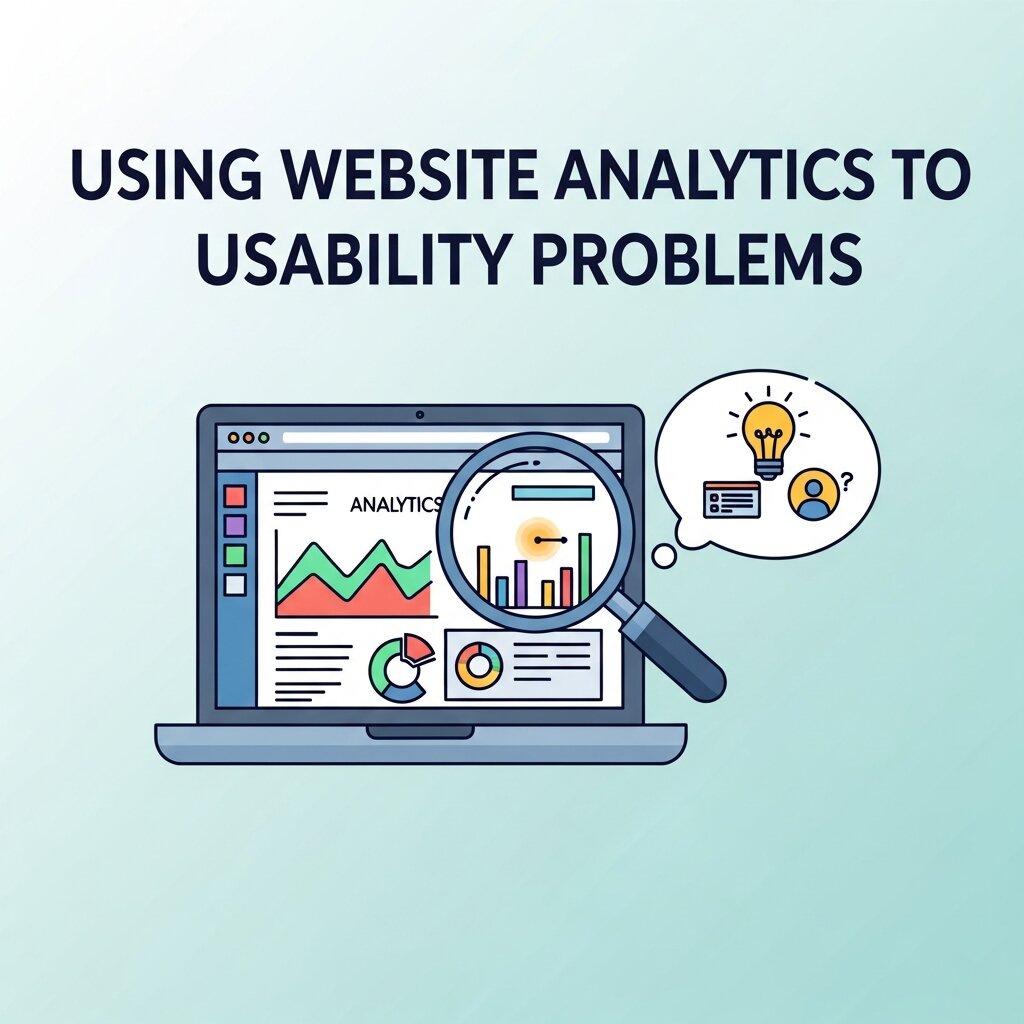 You can’t fix what you can’t measure. Website analytics tools give you a data-driven view of how users actually interact with your site—and where the experience is breaking down.
Google Analytics 4 (GA4) is the standard starting point. Use it to track metrics like average engagement time, scroll depth, and conversion paths. Pages with high exit rates and low engagement time are prime candidates for usability improvements.
Heatmap tools like Hotjar and Microsoft Clarity go a step further, showing you exactly where users click, scroll, and drop off. If users are repeatedly clicking on non-clickable elements, that’s a strong sign of a navigation or design confusion issue. If they’re not scrolling past your hero section, your above-the-fold content may not be compelling enough to pull them in.
Session recordings—available in both Hotjar and Clarity—let you watch real user sessions to spot friction points you’d never catch in aggregate data alone.
Conversion Tracking: Closing the Loop Between Usability and Business Outcomes
Website usability improvements shouldn’t only be measured by SEO metrics. The ultimate test is whether they lead to more conversions—more purchases, sign-ups, inquiries, or whatever your primary business goal is.
Conversion tracking in GA4 allows you to define specific user actions as conversions and trace them back through the customer journey. This kind of data-driven optimization reveals which pages are supporting conversions and which are creating drop-off. A long-form landing page with a high exit rate, for example, might benefit from a clearer call to action placed higher on the page—a small usability tweak with measurable impact.
A/B testing is the most reliable way to validate usability changes before fully committing to them. Platforms like Google Optimize (or its third-party alternatives, since Google Optimize sunset in 2023) allow you to test two versions of a page simultaneously and measure which performs better against your conversion goals.
Practical Steps to Improve Website Usability Right Now
Ready to take action? Here’s a focused starting point:
- Run a Core Web Vitals audit using Google Search Console to identify pages with poor performance scores.
- Audit your navigation by asking someone unfamiliar with your site to find three specific pieces of information. Watch where they get confused.
- Review your top exit pages in GA4 and identify whether the issue is content quality, page speed, or a confusing user interface.
- Install a heatmap tool on your highest-traffic pages and spend 30 minutes watching session recordings.
- Check your mobile experience on multiple device sizes, not just a standard smartphone.
- Evaluate your content structure on key landing pages—are headings clear? Is the primary call to action visible without scrolling?
Each of these tasks takes less than an hour and can surface usability issues that are silently costing you rankings and revenue.
The Role of Internal Linking in Website Usability
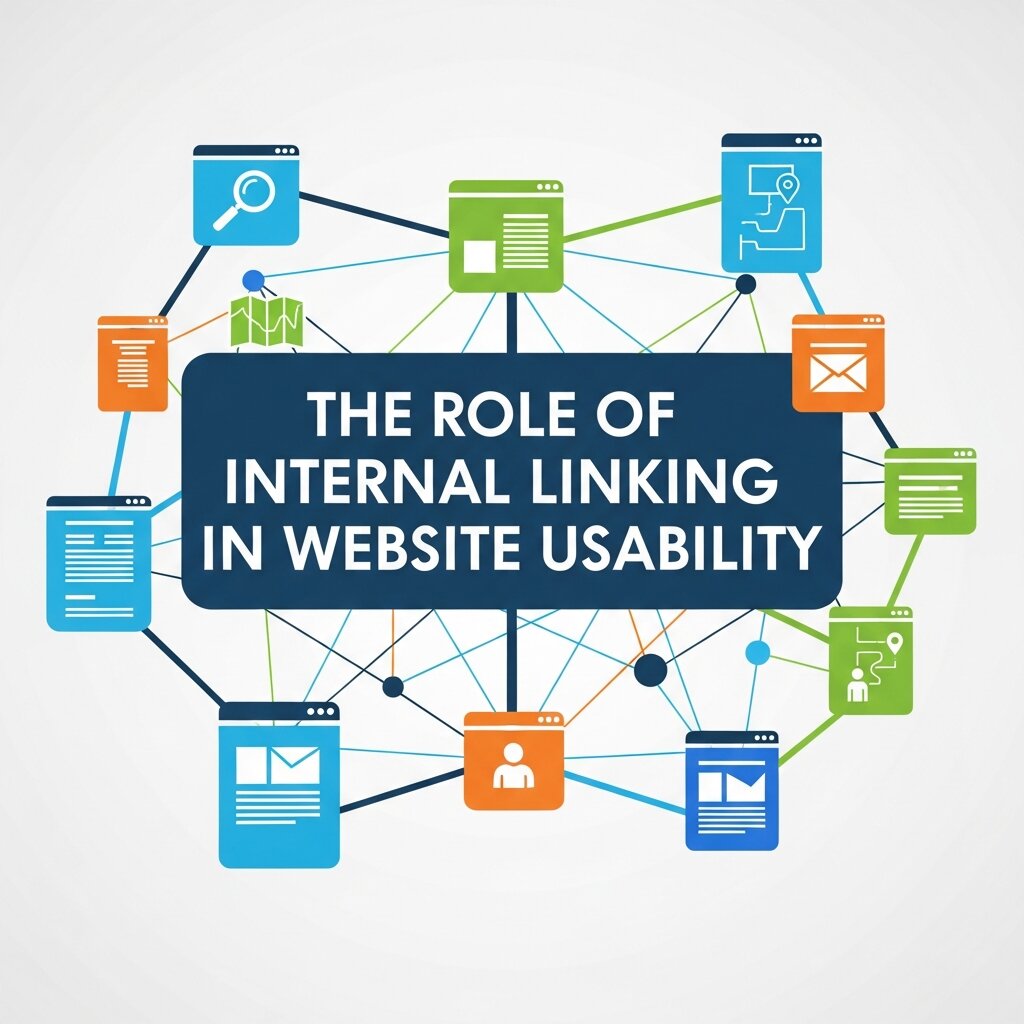 Internal linking is one of the simplest yet most effective ways to improve website usability while strengthening your SEO strategy. Well-placed internal links help visitors discover related content, navigate your website more efficiently, and stay engaged for longer periods. Instead of forcing users to return to the main menu to find additional information, contextual links naturally guide them toward relevant pages, creating a smoother browsing experience.
From an SEO perspective, internal links help search engines understand your website’s structure and distribute authority across important pages. They also make it easier for search engine crawlers to discover new content and establish relationships between topics. For users, relevant internal links reduce frustration, increase page views, and encourage deeper exploration of your website.
To maximize usability, use descriptive anchor text that clearly explains what users can expect after clicking. Avoid excessive linking, which can overwhelm visitors and dilute the importance of key pages. Regularly audit your internal linking structure to identify broken links, orphan pages, and opportunities to connect related content. A thoughtful internal linking strategy improves navigation, enhances user satisfaction, increases engagement, and supports stronger search engine rankings over time.
Frequently Asked Questions (FAQs)
1. What is website usability?
Website usability is the measure of how easily visitors can navigate, understand, and interact with a website. A user-friendly website helps people complete tasks efficiently while improving satisfaction, engagement, and overall performance.
2. Why is website usability important for SEO?
Website usability directly impacts SEO because search engines prioritize websites that provide a positive user experience. Fast loading speeds, mobile responsiveness, intuitive navigation, and easy-to-read content can improve rankings and reduce bounce rates.
3. How does website usability affect conversion rates?
A well-designed, easy-to-use website encourages visitors to stay longer, explore more pages, and complete desired actions such as making purchases, filling out forms, or subscribing to newsletters, resulting in higher conversion rates.
4. What are the key elements of good website usability?
Essential usability factors include clear navigation, fast page loading, mobile-friendly design, readable typography, accessible content, logical page structure, intuitive calls-to-action, and consistent branding throughout the website.
5. What are Core Web Vitals, and why do they matter?
Core Web Vitals are Google’s performance metrics that measure loading speed, interactivity, and visual stability. Strong Core Web Vitals improve user experience and can positively influence search engine rankings.
6. How can I test my website’s usability?
You can evaluate website usability using tools like Google Analytics 4, Google Search Console, Microsoft Clarity, Hotjar, PageSpeed Insights, and user testing sessions to identify navigation issues, slow pages, and user behavior patterns.
7. Does mobile responsiveness improve website usability?
Yes. Mobile responsiveness ensures your website adapts to different screen sizes, making it easier to navigate on smartphones and tablets. A responsive website improves user experience, engagement, and mobile search rankings.
8. How does website navigation influence SEO?
Clear navigation helps users find information quickly while allowing search engine crawlers to discover and index pages efficiently. Well-organized menus and internal linking improve both usability and search visibility.
9. What are the most common website usability mistakes?
Common usability issues include slow loading pages, confusing menus, poor mobile optimization, cluttered layouts, unreadable fonts, broken links, inaccessible content, and unclear calls-to-action that reduce user engagement.
10. How often should I perform a website usability audit?
It’s recommended to conduct a website usability audit every three to six months or after significant website updates. Regular testing helps identify new issues, improve user experience, and maintain strong SEO and conversion performance.
The Compounding Payoff of Prioritizing Usability
Website usability and SEO reinforce each other in a compounding cycle. Better usability leads to stronger engagement signals, which improve your search rankings, which bring in more traffic, which gives you more data to refine your site further. Over time, this cycle creates a significant competitive advantage—the kind that’s much harder to reverse-engineer than a keyword strategy.
The businesses that treat usability as a one-time project tend to plateau. Those that build it into an ongoing process of website analytics review, user feedback, and data-driven optimization keep improving. They don’t just rank better—they convert better, retain users longer, and build the kind of trust that turns first-time visitors into loyal customers. Start with one page. Fix one friction point. Measure the result. Then repeat.