

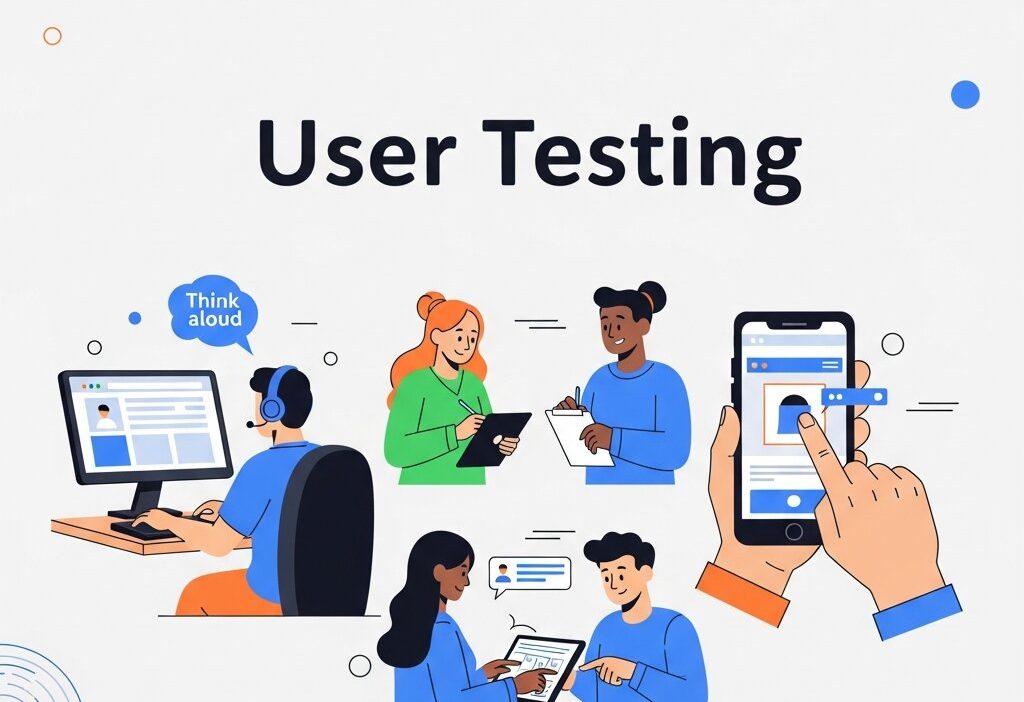
Most websites don’t fail because of bad design. They fail because the people who built them made assumptions about how users would behave—and those assumptions turned out to be wrong. User testing is how you close that gap.
Whether you’re running a SaaS product, an e-commerce store, or a content-heavy site, the way visitors actually experience your website rarely matches what you expect. They miss buttons you thought were obvious. They abandon forms that seemed simple. They scroll right past the content you spent days writing. User testing surfaces these blind spots before they cost you conversions, engagement, or revenue.
This guide covers practical user testing strategies you can apply to improve website performance—from foundational methods to more advanced techniques that pair testing with website analytics and user behavior analysis. By the end, you’ll have a clearer picture of how to build a testing process that generates real, actionable insight.
What Is User Testing, and Why Does It Matter for Website Performance?
User testing is the practice of observing real people as they interact with your website. Rather than relying on assumptions or aggregated data alone, user testing reveals the specific moments where visitors struggle, hesitate, or drop off entirely.
The distinction between user testing and general website analytics is important. Analytics tell you what is happening—high bounce rates, low time-on-page, poor conversion rates. User testing tells you why. That combination of quantitative data and qualitative insight is what makes a well-rounded optimization strategy.
Poor website performance rarely has a single cause. It’s usually a cluster of small friction points—an unclear call-to-action here, a slow-loading element there—that together create a frustrating experience. User testing helps you identify and prioritize those friction points systematically.
Moderated vs. Unmoderated Testing: Which Should You Use?
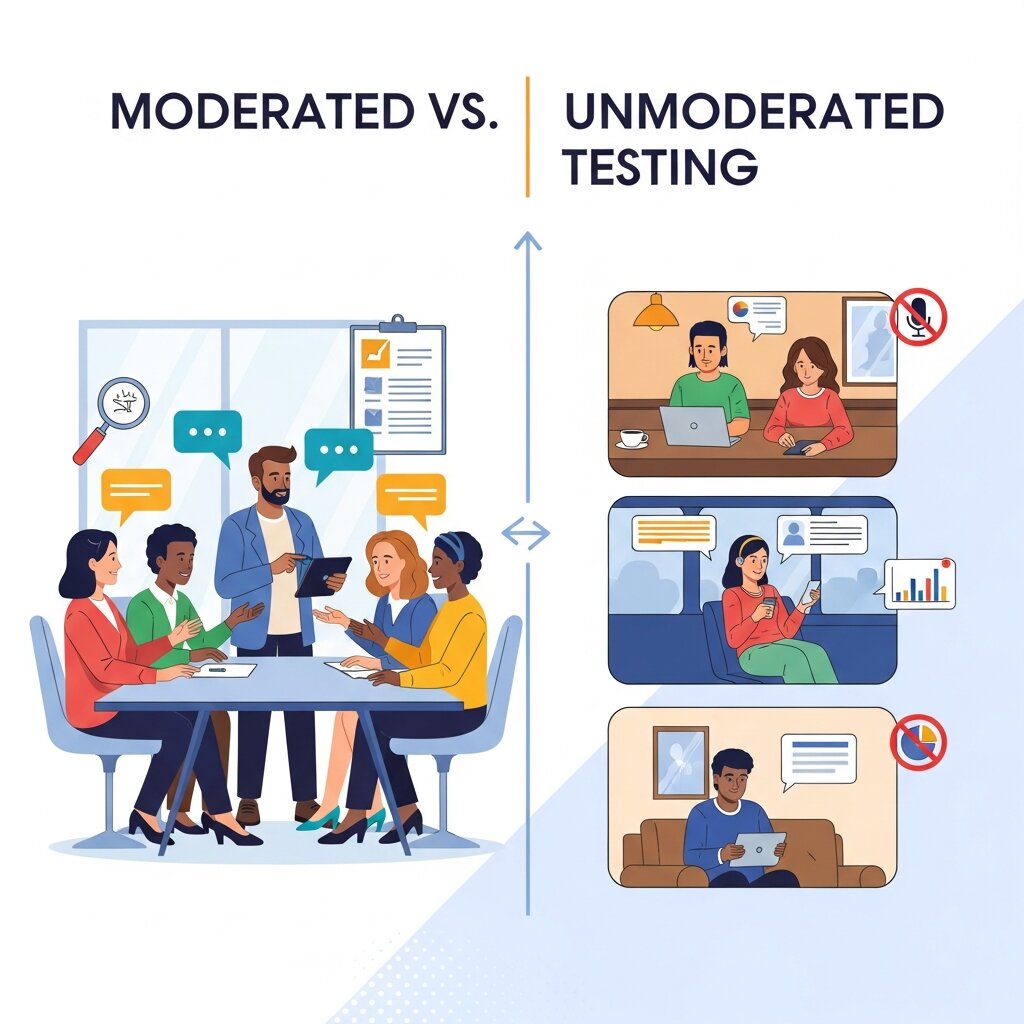 Before choosing specific user testing methods, it helps to understand the two broad approaches: moderated and unmoderated testing.
Moderated user testing
Moderated testing involves a facilitator guiding participants through tasks in real time, either in person or via video call. The facilitator can ask follow-up questions, probe for reasoning, and adapt based on what the participant does. This approach generates richer qualitative data but requires more time and resources.
Moderated testing works best when you’re exploring complex problems or launching something genuinely new. If you don’t yet understand why users are behaving a certain way, a moderated session can help you find out.
Unmoderated user testing
Unmoderated testing lets participants complete tasks independently, typically through a platform like Maze, UserTesting, or Lookback. Sessions are recorded and can be reviewed asynchronously. This approach scales better and can generate results faster, making it ideal for validating specific hypotheses or testing discrete website elements.
For most teams, a mix of both approaches delivers the best results. Use moderated sessions to uncover problems and unmoderated testing to validate solutions at scale.
Five User Testing Strategies to Improve Website Performance
1. Task-Based Usability Testing
Task-based testing is the most common form of user testing—and for good reason. You give participants a realistic goal (e.g., “Find and purchase a pair of running shoes under $100”) and observe how they attempt to complete it. You’re not looking for success or failure alone; you’re watching the path they take.
Key metrics to track during task-based testing include task completion rate, time on task, and error rate. These metrics pair naturally with website analytics data, helping you connect observed behavior to measurable outcomes.
When designing tasks, keep them scenario-based rather than directive. Instead of saying “click on the product page,” say “you’re looking for a gift for a friend who loves yoga—find something suitable.” This framing encourages natural behavior rather than guided navigation.
2. First-Click Testing
First impressions matter online—and first clicks matter even more. Research from the Nielsen Norman Group has found that users who make a correct first click are far more likely to complete their task successfully. First-click testing is designed to evaluate exactly this.
Participants are shown a page or interface and asked where they would click to complete a specific task. The data reveals whether your navigation, layout, and calls-to-action are intuitive—or whether users are being pulled in the wrong direction from the very first moment.
First-click testing is especially useful during the customer journey optimization process, when you’re trying to reduce drop-off at key stages of the funnel. A homepage, landing page, or product page that sends users to the wrong place first is quietly bleeding conversions.
3. Heatmaps and Session Recordings
Heatmaps and session recordings sit at the intersection of user testing and user behavior analysis. Tools like Hotjar, Microsoft Clarity, and FullStory capture how real users interact with your pages—where they click, how far they scroll, and where their cursor lingers.
Heatmaps are particularly effective for identifying content that gets ignored and elements that attract unintended clicks (sometimes called “rage clicks”). Scroll maps show you whether key content is being seen at all, which can be a revelation when you discover that most users never reach your primary call-to-action.
Session recordings add context to the aggregate patterns shown in heatmaps. Watching a single user navigate your checkout process—pausing, backtracking, re-reading—can surface friction that no dashboard metric would reveal on its own.
Use these tools alongside traditional user testing rather than as a replacement. Heatmaps tell you what users do; interviews and task-based testing tell you why.
4. A/B Testing and Iterative Optimization
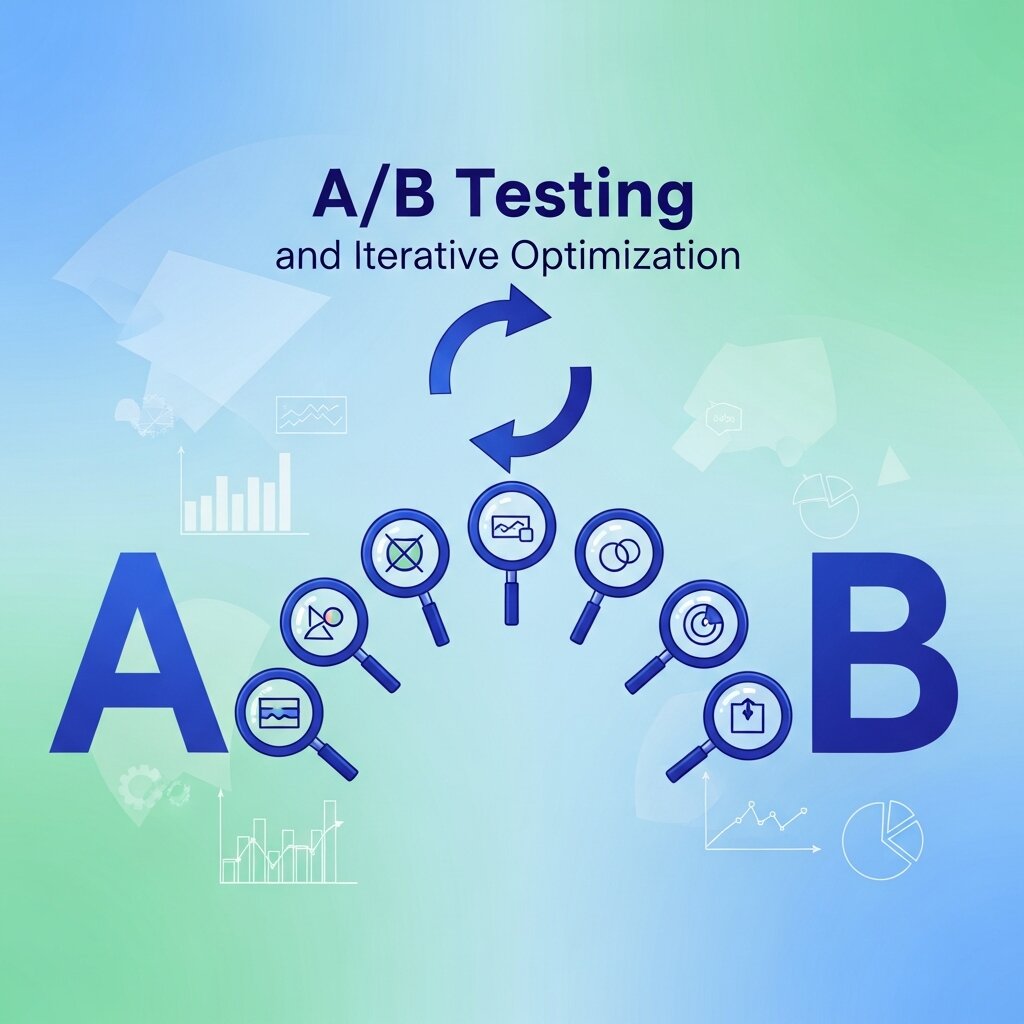 A/B testing is a structured way to validate changes before rolling them out site-wide. You split your traffic between two versions of a page—one with the original design (the control) and one with a modification (the variant)—and measure which performs better against a defined goal.
The key to effective A/B testing is testing one variable at a time. Changing the headline, button color, and image simultaneously makes it impossible to know which change drove the result. Start with high-impact elements: headlines, CTAs, form length, and page layout.
A/B testing works best when it’s informed by prior user testing. If session recordings show users consistently ignoring a CTA button, A/B testing different copy or placement gives you a controlled way to measure the impact of that change. The two methods are complementary—one uncovers problems, the other validates solutions.
5. Tree Testing for Navigation and Information Architecture
Navigation problems are among the most common—and most underdiagnosed—causes of poor website performance. Tree testing evaluates whether users can find what they’re looking for within your site’s structure, without the visual design getting in the way.
Participants are shown a text-based representation of your site’s navigation hierarchy and asked to complete tasks by selecting the path they’d follow. The results reveal where users get confused, where they backtrack, and which labels are causing misinterpretation.
This method is particularly valuable during a redesign or when website analytics show high exit rates on pages that should be drawing users deeper into the site. If visitors are leaving from your category pages or service listings, tree testing can identify whether the problem is structural rather than visual.
How to Build a Continuous User Testing Process
Running a single round of user testing is useful. Building it into a regular rhythm is transformative. A continuous testing process keeps your website aligned with evolving user expectations and prevents performance issues from accumulating unnoticed.
Here’s a practical framework to get started:
Define your testing cadence: For most teams, a combination of monthly lightweight tests (such as unmoderated task testing or heatmap reviews) and quarterly deeper sessions (such as moderated interviews or tree testing) provides a solid foundation.
Tie testing to your product and content roadmap: User testing is most valuable when conducted before and after significant changes—before, to inform design decisions; after, to validate that performance has improved.
Recruit representative participants: The quality of your user testing depends heavily on recruiting the right people. Aim for participants who match your actual user base in terms of demographics, tech literacy, and familiarity with your product category. Recruiting from your existing customer base often yields more relevant insights than using a generic panel.
Document and share findings systematically: User testing generates a lot of data. Without a clear system for synthesizing and sharing insights, valuable findings get lost. Use a shared repository—a Notion database, a research wiki, or even a structured spreadsheet—to record observations, tag themes, and link to recordings.
Close the loop with website analytics: After implementing changes based on user testing, monitor your website analytics to confirm that performance has improved. Track conversion rates, bounce rates, task completion rates, and any other KPIs relevant to the changes you made. This feedback loop is what turns testing from an activity into a discipline.
 The most effective website optimization strategies combine user testing with website analytics to create a complete picture of user behavior. Analytics platforms such as
 Turning User Insights into Measurable Performance Gains
User testing is not a one-time audit. The websites that consistently outperform their competitors are those that treat testing as an ongoing practice—one that informs design decisions, content strategy, and customer journey optimization at every stage.
Start small if you need to. Even a handful of moderated sessions with real users will reveal more than weeks of internal debate. The insights you gather will give your team a shared understanding of what users actually need—and a clear direction for what to fix next.