


What Is Conversion Rate Optimization and Why Does It Matter?
Conversion rate optimization (CRO) is the strategic process of improving your website to increase the percentage of visitors who take meaningful actions, such as purchasing a product, subscribing to a newsletter, or adding items to their cart. In the context of Shopify Conversion Rate Optimization, this involves analyzing user behavior, optimizing product pages, improving site speed, refining checkout experiences, and using data-driven testing methods like A/B testing to remove friction and boost performance.
A typical “good” conversion rate for eCommerce stores ranges between 2% and 3%, though this can vary depending on your industry, target audience, product pricing, and traffic quality. The key insight is that even small improvements can lead to substantial revenue growth. For instance, if your Shopify store receives 20,000 monthly visitors with a 2% conversion rate, increasing it to 3% could generate around 200 additional sales per month—without spending extra on advertising. This is why Shopify Conversion Rate Optimization is essential: it helps you maximize the value of your existing traffic, improve user experience, and drive consistent, scalable business growth.
Key Benefits of CRO for Shopify Store Owners
- Maximize Marketing ROI: More conversions mean a higher return on your existing traffic without the need for extra ad spend.
- Build Customer Trust: An optimized shopping experience builds trust and encourages repeat purchases.
- Gain Competitive Edge: Outperform rivals by focusing on user experience and seamless navigation.
Now that you know the value of CRO, let’s explore Shopify-specific strategies to boost your sales.
Analyze Your Shopify Store Performance
Before you can successfully improve your conversion rate, you must first understand how your store is currently performing. A proper Shopify Conversion Rate Optimization strategy begins with analyzing key performance metrics such as traffic sources, bounce rate, average session duration, cart abandonment rate, and overall conversion rate. By using tools like Shopify Analytics and Google Analytics, you can identify where visitors drop off, which pages perform best, and what factors may be preventing customers from completing purchases. For a full guide, see How to Calculate Conversion Rate Optimization.
This data-driven approach allows you to uncover hidden opportunities for growth, whether it’s improving slow-loading pages, optimizing product descriptions, or simplifying the checkout process. Careful performance analysis is the foundation of effective Shopify Conversion Rate Optimization, helping you make informed decisions, enhance user experience, and increase the likelihood of turning visitors into loyal, paying customers.
Use Analytics Tools
Start by integrating tools like Google Analytics, Shopify’s built-in analytics, and apps such as Hotjar to monitor user behavior. Key metrics to track include:
- Bounce rate
- Average session duration
- Cart abandonment rate
- Product page engagement
By monitoring these metrics, you can pinpoint weaknesses in your customer journey and focus your efforts on the areas that need optimization the most.
Identify Your Conversion Funnel
Map out your conversion funnel to understand every step your customer takes before they purchase. Break it down into stages such as:
- Landing on your homepage or product page
- Adding items to their cart
- Proceeding to checkout
- Completing the purchase
Analyze where users are dropping off and prioritize optimizing these areas. You can also learn how Digital PR Link-Building Services help attract more relevant traffic to your site.
Gather Customer Feedback
Your customers are your best source of insight. Solicit feedback through email surveys, post-purchase surveys, or even exit-intent pop-ups. Ask questions like:
- “What stopped you from completing your purchase?”
- “Did you find what you were looking for?”
- “How can we improve your shopping experience?”
This direct feedback can uncover hidden pain points. For additional strategies, see Conversion Optimization Boost Results.
Shopify CRO Strategies to Skyrocket Your Conversions
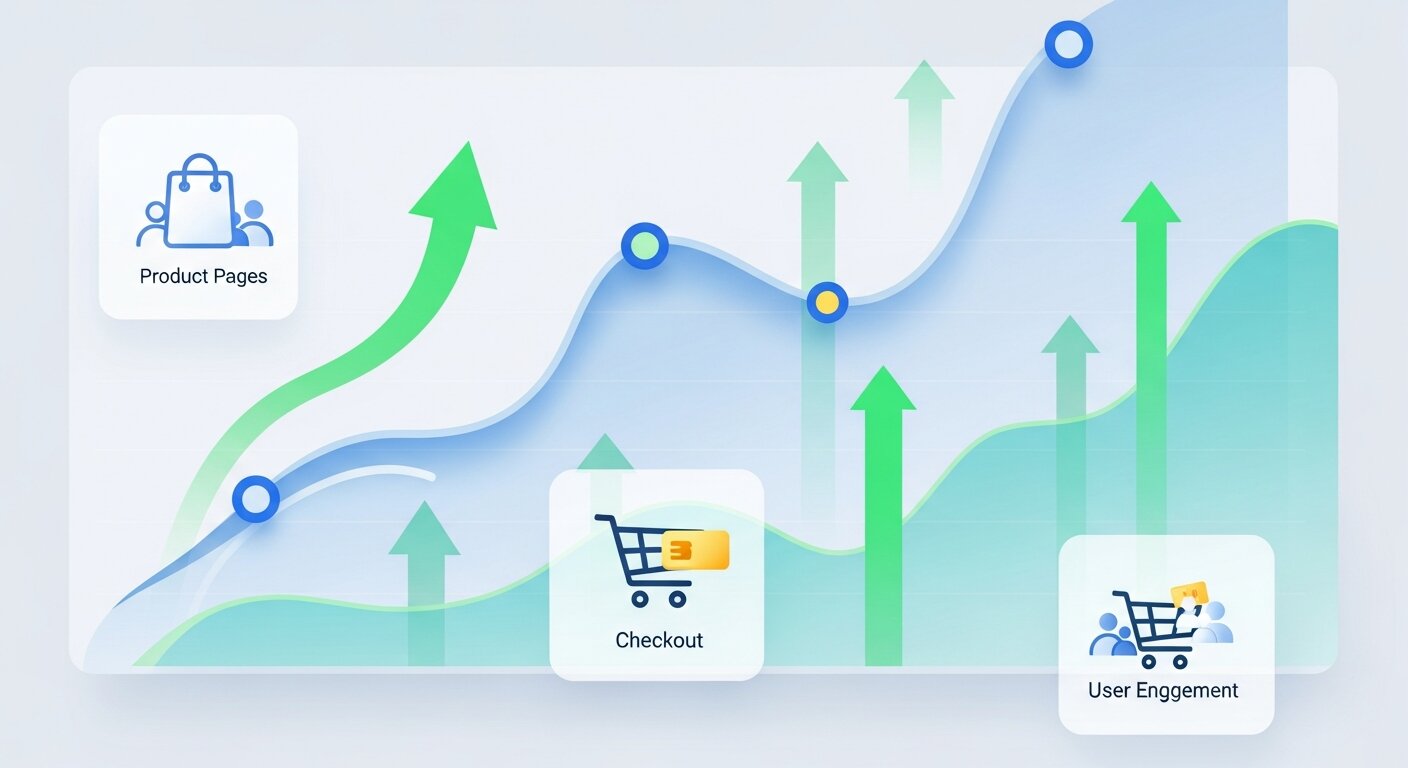
Optimize Product Pages
Key Components of a High-Converting Product Page:
- High-Quality Images
Use high-resolution product photos with multiple angles or 360-degree views. Customers are more likely to purchase when they can visually assess the product.
- Compelling Product Descriptions
Write concise, benefit-focused descriptions. Highlight how the product solves a problem or enhances the buyer’s life.
- Social Proof
Include customer reviews and ratings prominently. Consider adding user-generated content such as customer photos to build trust.
- Clear Calls to Action (CTAs)
Your “Add to Cart” or “Buy Now” buttons should be bold, clearly visible, and easy to click on both desktop and mobile devices.
Simplify Navigation
- Use a clean, intuitive menu design with clearly labeled categories.
- Implement smart search functionality with auto-suggestions to help customers locate products quickly.
- Minimize clicks by presenting filtering options for price, size, and color directly on product pages.
Increase Page Loading Speed
Slow-loading pages can have a major negative impact on your Shopify store’s conversions. Studies show that customers expect pages to load within 3 seconds or less, and delays beyond this can lead to frustration and higher bounce rates. By optimizing images, using fast hosting, minimizing unnecessary scripts, and implementing caching strategies, you can improve page speed, provide a smoother shopping experience, and keep more visitors engaged, ultimately boosting your conversion rate.
How to Improve Shopify Page Speeds:
- Compress images using apps like TinyIMG or Crush.pics.
- Uninstall unnecessary apps or scripts that slow down your site.
- Use Shopify-friendly themes optimized for speed.
Implement Exit-Intent Pop-Ups
Examples of effective pop-ups:
- Offer a discount (“Wait! Here’s 10% off to complete your purchase!”).
- Highlight free shipping (“Don’t forget, you qualify for free shipping!”).
Use apps like OptiMonk or Privy to set up engaging pop-ups tailored to customer behavior.
Leverage Urgency and Scarcity
- Display low inventory messages like “Only 3 left in stock!”.
- Add countdown timers for limited-time flash sales or free-shipping promotions.
Streamline Checkout Process
Tips for an Optimized Checkout:
- Enable guest checkout so users don’t need to create an account.
- Offer multiple payment options, including digital wallets like PayPal, Apple Pay, and Google Pay.
- Show a progress indicator to help customers visualize how many steps are left in the checkout process.
Use Custom Discounts and Exclusive Offers
Reward your customers with personalized deals and promotions that make them feel valued and encourage repeat purchases. With Shopify apps like Bold Discounts or Smile.io, you can create automated, targeted discounts, limited-time offers, or loyalty rewards that appear based on customer behavior or purchase history. These tailored promotions not only increase engagement but also help boost conversions by giving shoppers an extra incentive to complete their purchase.
Examples:
- Exclusive first-time buyer discounts.
- Loyalty rewards for repeat customers.
Invest in Retargeting Campaigns
Re-engage visitors who didn’t make a purchase by launching retargeting ads. Shopify easily integrates with platforms like Facebook, Instagram, and Google Ads to send personalized ads to individuals who viewed your products but didn’t convert.
Bonus idea:
Include dynamic retargeting ads that showcase specific products customers interacted with.
Final Thoughts Make a Difference in Your Shopify Store
Improving your Shopify store’s conversion rate is never a one-time task—it’s an ongoing process that requires careful analysis, testing, and continuous refinement. Effective conversion rate optimization (CRO) means paying close attention to customer behavior, identifying friction points, and implementing changes that enhance the shopping experience. By consistently applying the strategies outlined in this guide, you can not only increase sales but also build a seamless, user-friendly store that encourages repeat purchases and fosters long-term customer loyalty.
To get the most out of your efforts, start by testing different approaches, tracking key performance metrics, and iterating based on results. Experiment with product page layouts, checkout flow improvements, persuasive calls-to-action, and personalized offers to see what resonates best with your audience. Remember, small changes can lead to significant gains when applied strategically.
What’s your go-to Shopify CRO strategy? Share your experiences in the comments below, or reach out if you’re ready to implement these tactics effectively and take your store’s performance to the next level.
Frequently Asked Questions (FAQ)
What is Shopify Conversion Rate Optimization, and why is it important?
Shopify Conversion Rate Optimization (CRO) is the process of improving elements on your Shopify store to increase the percentage of visitors who complete desired actions, such as purchases or newsletter sign-ups. Effective CRO boosts revenue, improves user experience, and maximizes your marketing ROI.
How can small Shopify stores implement conversion rate optimization?
Even small Shopify stores can implement CRO by starting with analytics, gathering customer feedback, optimizing product pages, and running simple A/B tests. Gradually implementing personalized offers and mobile optimization also helps enhance conversions.
Which tools help with Shopify Conversion Rate Optimization?
Tools like Google Analytics, Hotjar, Lucky Orange, OptiMonk, Privy, and Shopify’s built-in analytics can provide insights into customer behavior, while apps like Bold Discounts and Smile.io help personalize offers to boost conversions.
Can Shopify Conversion Rate Optimization really increase revenue?
Yes. Even small improvements in conversion rates can translate into significant revenue gains. For example, increasing a conversion rate from 2% to 3% on a store with 20,000 monthly visitors could result in 200 additional sales each month.
How long does it take to see results from Shopify Conversion Rate Optimization?
Results can vary depending on the strategies implemented and traffic volume. Some improvements, like page speed optimization or simplified checkout, can show immediate effects, while A/B testing and personalization may take several weeks to yield measurable results.
Does Shopify Conversion Rate Optimization involve redesigning my entire store?
Not necessarily. CRO focuses on targeted changes and testing specific elements, such as product pages, checkout processes, CTAs, and navigation. Continuous testing and optimization are more effective than a full redesign in most cases.
How do I measure the success of my Shopify Conversion Rate Optimization efforts?
Success is measured through key metrics such as conversion rate percentage, average order value, cart abandonment rate, customer retention, and ROI from marketing campaigns. Tracking these over time helps identify which strategies are most effective.